
 atompack
Explore datasets in VS Code
The Atompack viewer opens .atp files inside VS Code. Move from a table of records to
atomic structures, inspect related records as groups, and use plots to select records
for further analysis in Python.
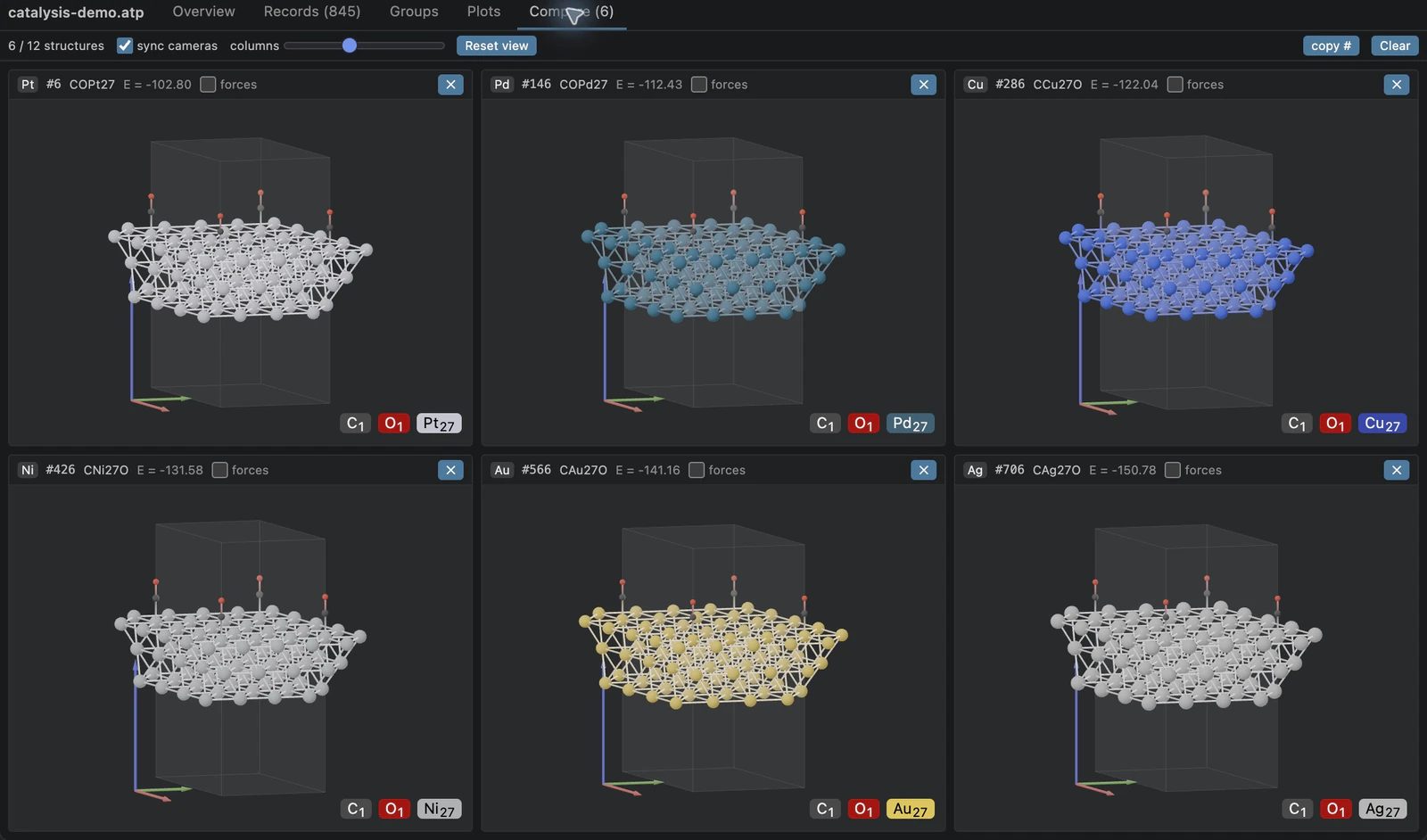
Compare the members of one metal-series group with synchronized cameras.
Install and open the demo
Install Atompack Viewer from the Visual Studio Marketplace, or run:
code --install-extension Ramlaoui.atompack-vscode
On Remote SSH, WSL, or Dev Containers, install it into the remote workspace so the reader runs next to your files. The extension README lists the supported platforms.
Download catalysis-demo.atp, open it in VS Code,
and select Atompack Viewer with Reopen Editor With… if the binary-file notice appears.
The Overview tab reports 845 records and four groupings.
Note
This small demonstration dataset uses ASE-built metal surfaces and illustrative adsorption geometries. All energies and forces are synthetic; they are not DFT results and should not be used for scientific conclusions or model training.
Browse and filter records
Select Records to see record numbers, compositions, energies, and custom properties. Click a row to inspect its structure and metadata. To find CO on copper with an illustrative adsorption energy below -1, enter:
formula = COCu27, adsorption_energy < -1
This selects 11 records. copy # copies their record numbers in table order as a
Python list, ready for db.get_molecules(indices).
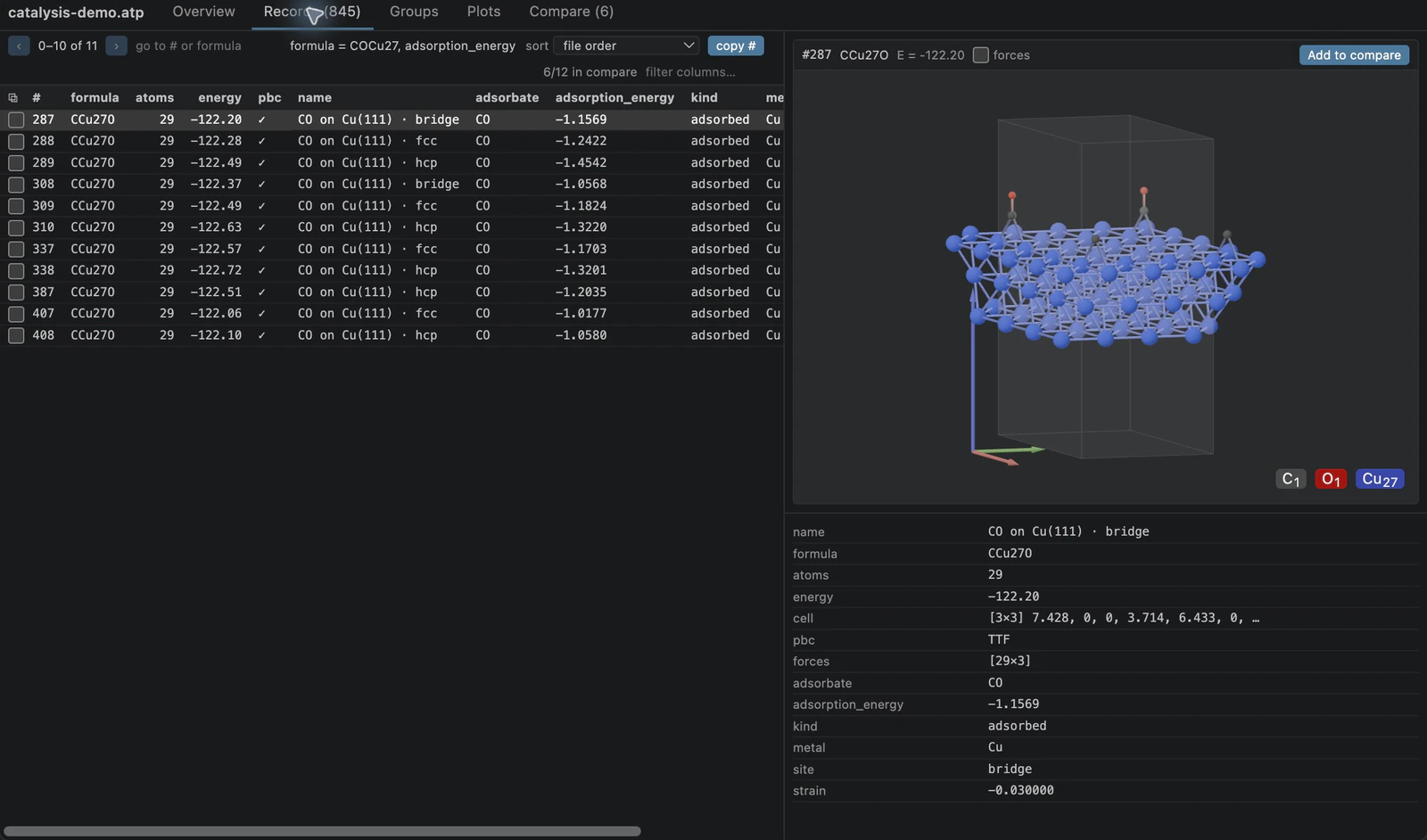
Composition and property filters connect the record table to a 3D preview.
Inspect related structures
In Groups, choose adsorption and filter metal to Cu and adsorbate to
CO. The 20 matching groups each link an adsorbed structure, its clean slab,
and a gas reference. Select group 240 for the unstrained, on-top example.
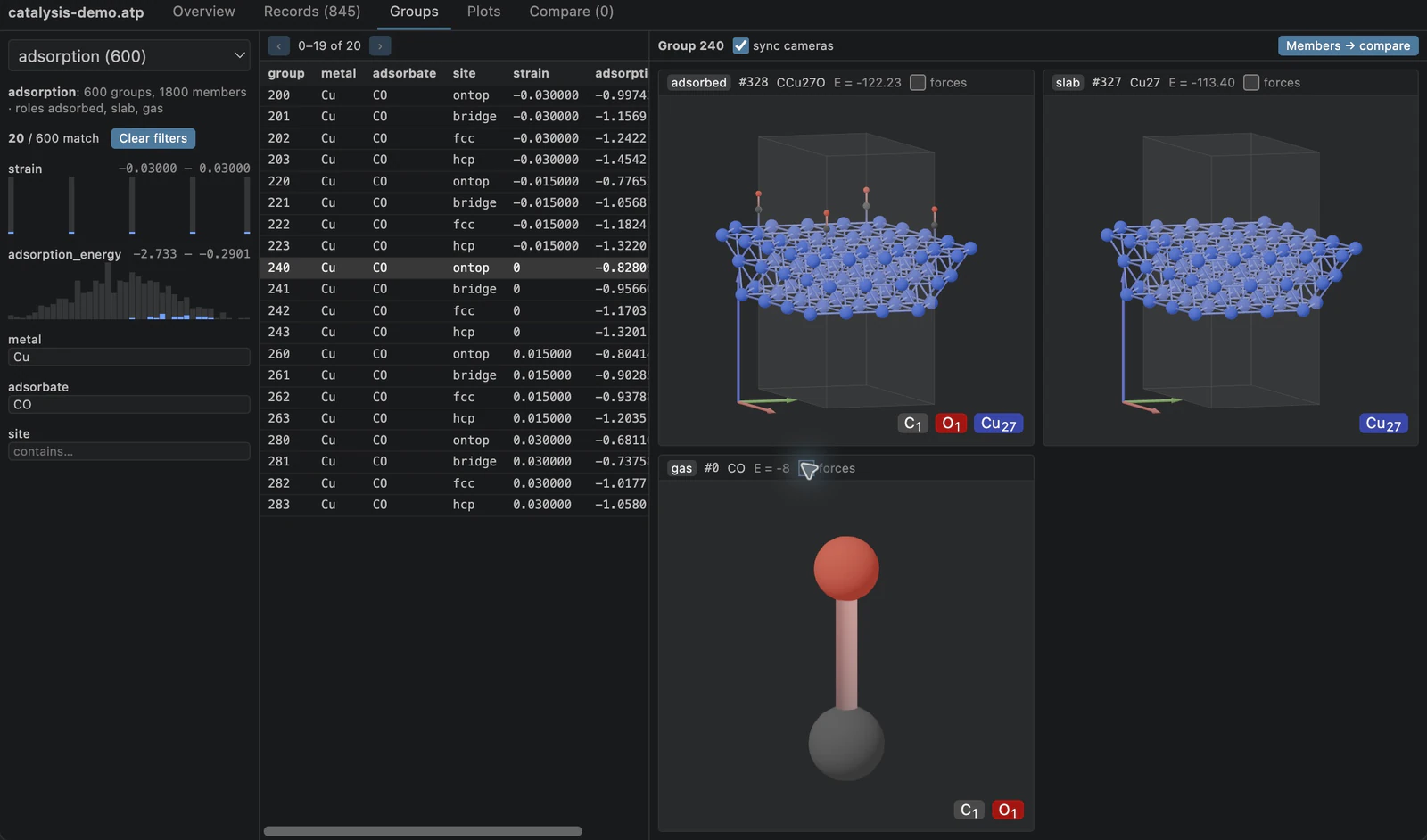
Role labels preserve the relationship between the three records.
Choose metal_series and double-click group 0 to open the six-metal comparison
shown above. With sync cameras on, rotating, panning, or zooming one pane moves the
others; each pane stays framed on its own structure, so a slab and its gas molecule remain
comparable. Reset view reframes every pane. Other groupings provide 150 site_comparison groups and 30 ordered
relaxation trajectories of seven frames each.
Find records through plots
In Plots, choose scatter, set x to adsorption_energy and y to fmax.
The 600 adsorption structures have both values. Drag a box to zoom, then click a
record in the list or a point to see its structure. Open in Records carries the
visible bounds and sort order into the paginated record table.
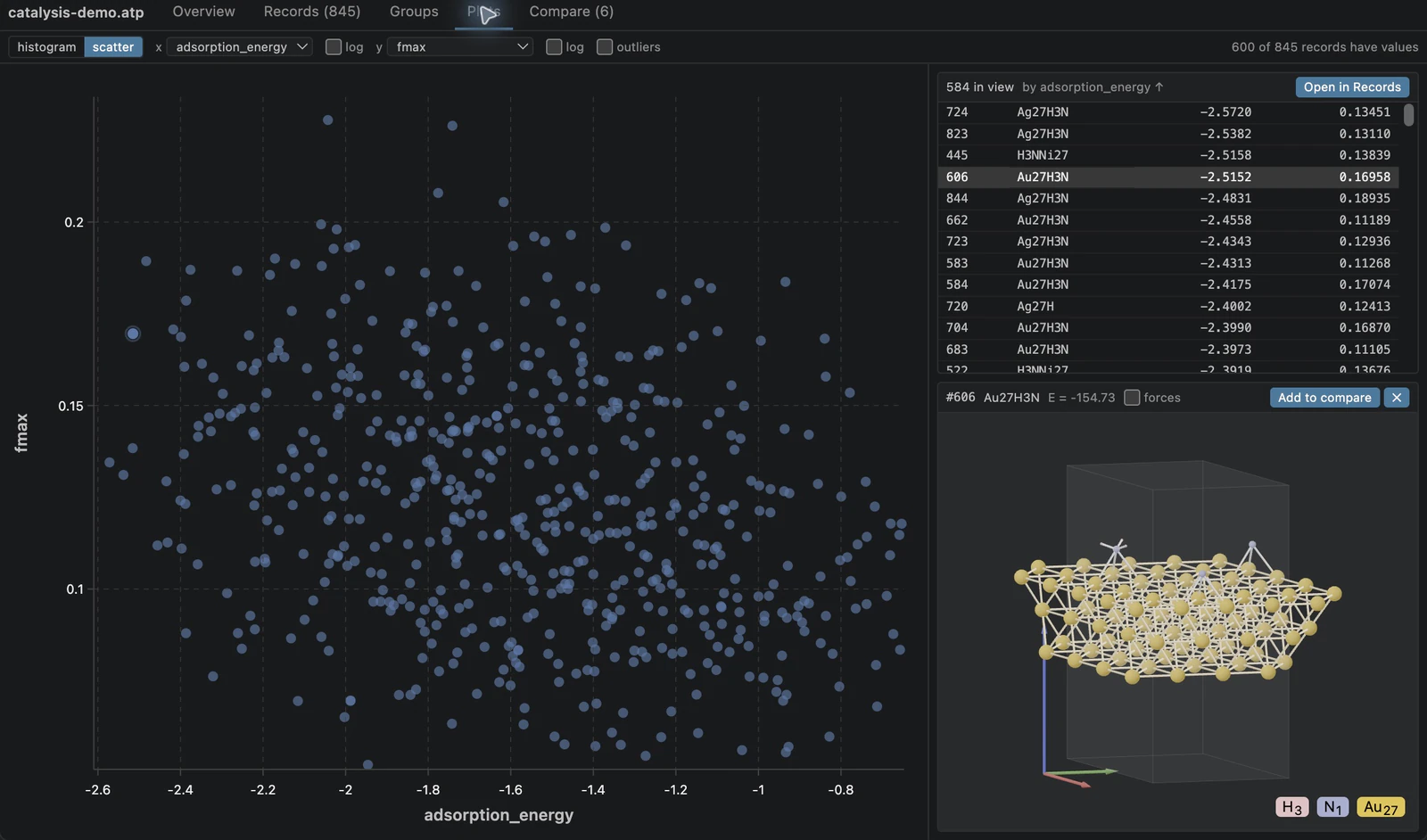
A zoomed region links the property plot, record list, and selected structure.
Modify files safely
The viewer reads files through a memory map in a separate process. If a file is overwritten or truncated while open, only that process stops: pending requests report the error, and VS Code keeps running. Reopen the file to see its new contents.
Recreate the dataset
The generator is examples/vscode_demo.py in the repository. With the local Python
package built, run from atompack-py:
uv run --no-sync --with ase==3.26.0 python ../examples/vscode_demo.py
The generator uses seed 20260930, six metals, five adsorbates, four sites, and five
in-plane strains. It writes the downloadable dataset used by these screenshots.